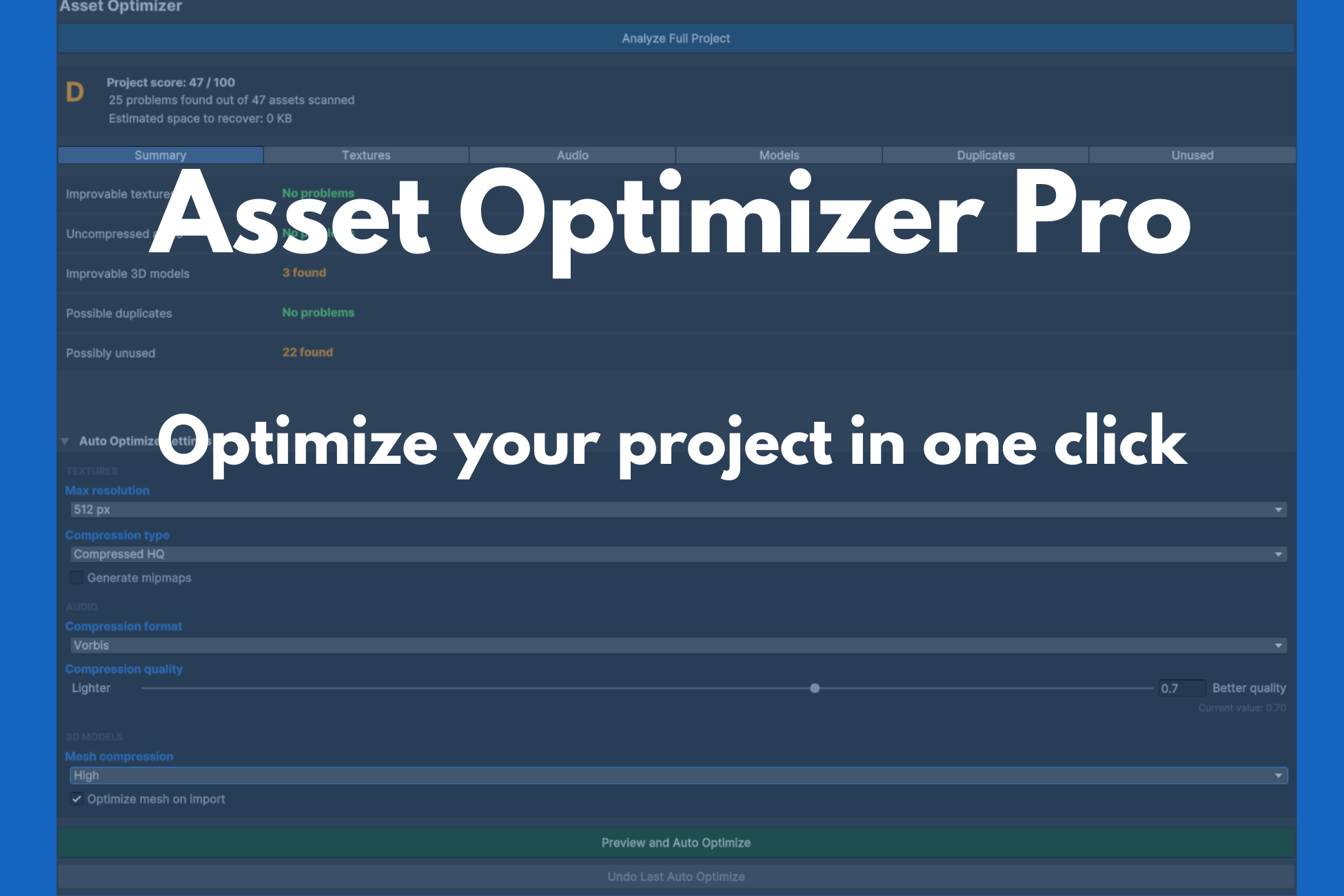
Asset Optimizer Pro
A downloadable Tool
Asset Optimizer Pro
Optimize your Unity project in one click.
Asset Optimizer Pro scans your entire project, detects performance issues, and fixes them automatically. Reduce build size, improve load times, and keep your assets clean — without manual work.
Features
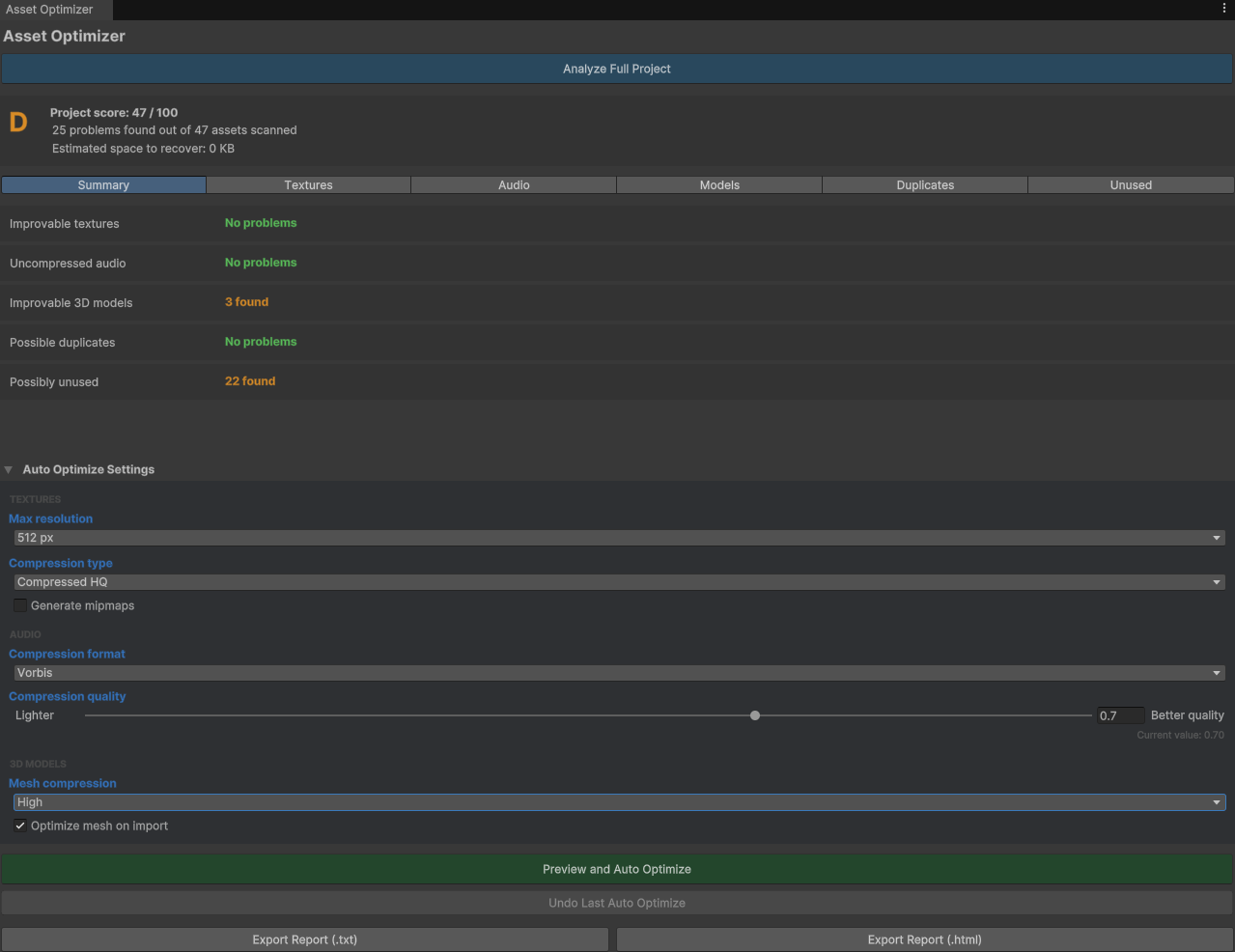
Project Score (1–100)
Get an instant health check of your project. Asset Optimizer Pro rates your project from 1 to 100 based on asset optimization, so you always know where you stand.
Automatic Detection
Scans your entire Assets/ folder and detects:
- Duplicate assets — same file, multiple copies
- Unused assets — not referenced in any scene or prefab
- Uncompressed audio — large WAV/AIFF files
- Unoptimized 3D models — meshes without compression
- Unoptimized textures — oversized or uncompressed
One-Click Fix
Fix everything with a single click. Asset Optimizer Pro applies the optimal settings automatically. (It doesn't delete files)
Full Control
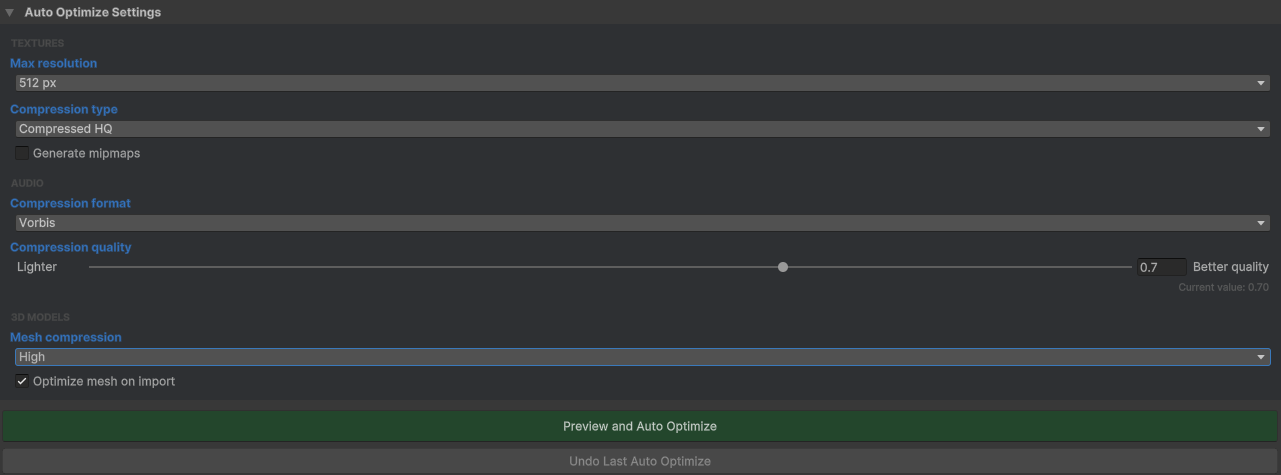
Prefer manual control? Configure every option:
- Audio compression: Vorbis, MP3, or custom
- Audio quality: 0–1 slider
- Mesh compression: Off, Low, Medium, High
- Mesh import quality: 1–100 slider
- Texture resolution: 256, 512, 1024, 2048, 4096
- Mipmaps: Enable or disable
Preview Before Applying
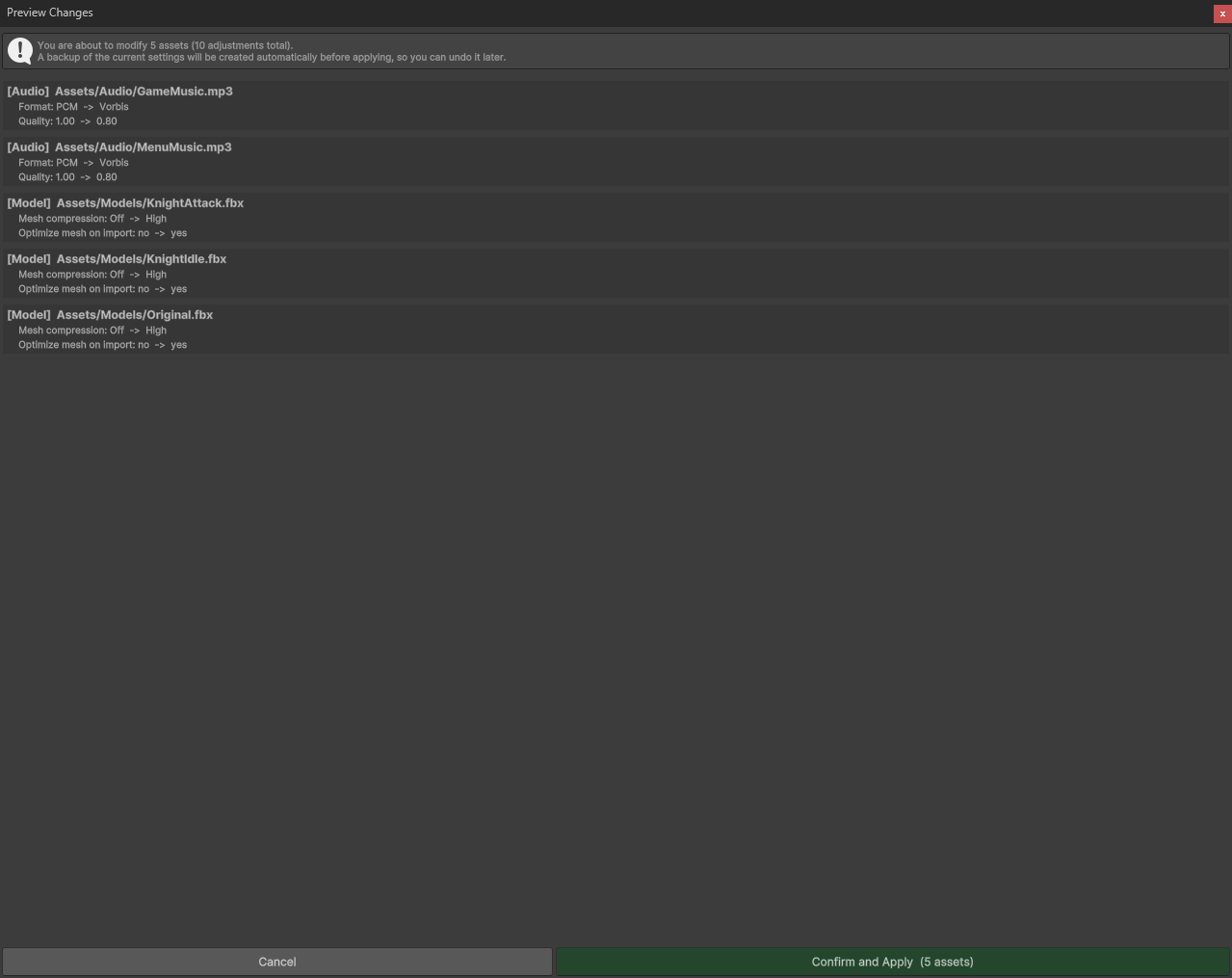
See exactly what will change before committing. Every modification is listed with its impact.
Automatic Backup
Every change is backed up automatically. Revert anytime with one click.
Export Reports
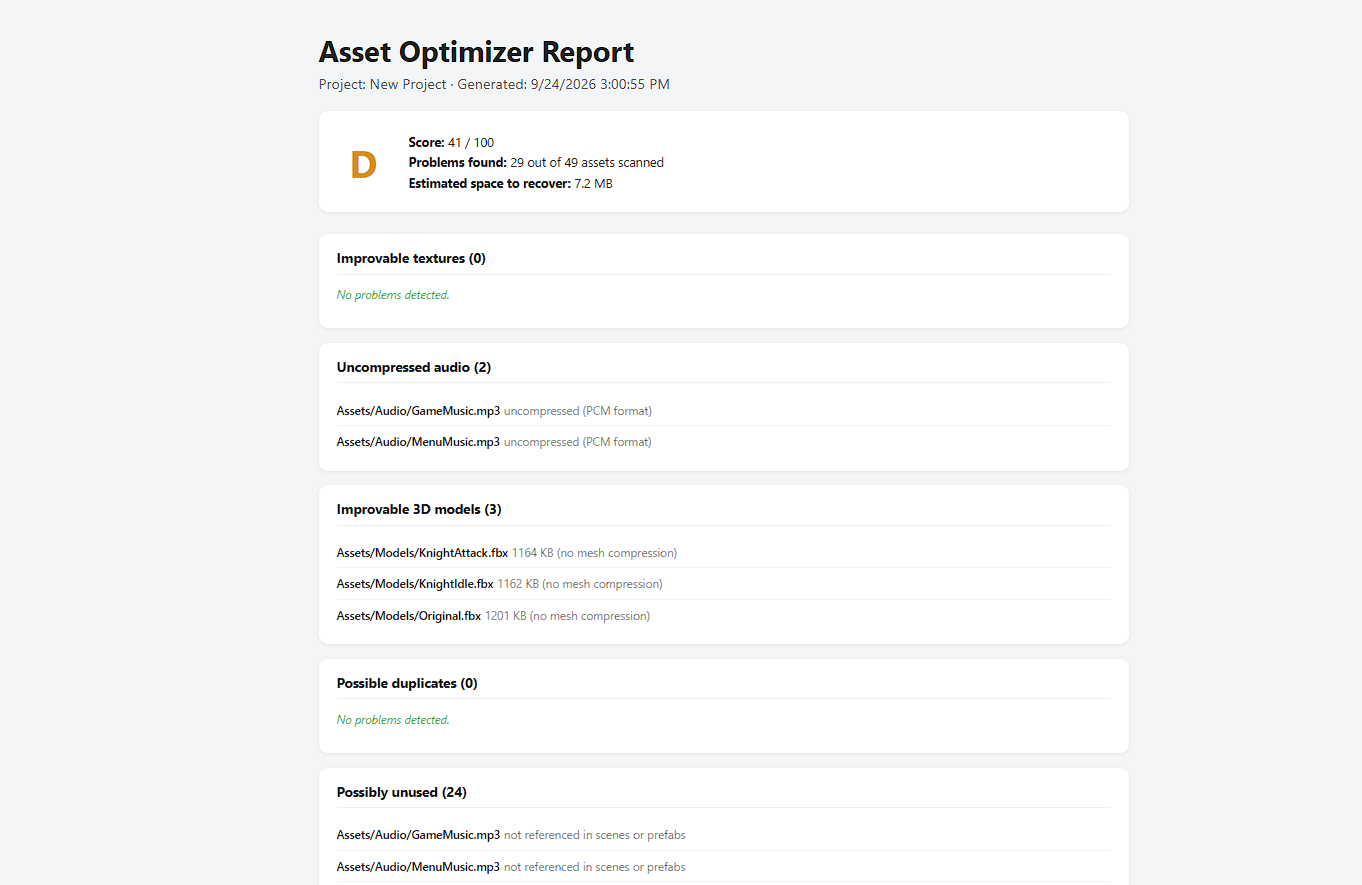
Generate detailed reports of your project's optimization status:
- TXT — simple, portable
- HTML — beautiful, visual, shareable
What's Included
- Full source code (C#)
- Editor window with custom UI
- Backup and restore system
- Report export (TXT + HTML)
- Documentation
Requirements
- Unity: 2022.3 LTS or newer
- Render Pipeline: Built-in, URP, or HDRP
- Platform: Windows, macOS, Linux (Editor only)
- Dependencies: None
Installation
- Purchase and download Asset Optimizer Pro.
- Import the
.unitypackageinto your project. - Open the window:
Tools > Asset Optimizer Pro. - Click Analyze Full Project.
- Review the results.
- Click Auto Optimize or configure manually.
- Export a report if desired.
FAQ
Q: Does it work with 2D projects?
A: Yes. Texture and audio optimization work for 2D. Mesh optimization applies to 3D only.
Q: Can I undo changes?
A: Yes. Every change is backed up automatically. Use the Revert button.
Q: Does it delete my files?
A: No. It only changes import settings. Your original files are not deleted.
Q: Does it work in a build?
A: No. It's an Editor-only tool.
Q: Is the source code included?
A: Yes. Full C# source code is included.
License
Commercial License. See LICENSE.txt for details.
Support
Email: enmanuel080106@gmail.com
Asset Optimizer Pro — Optimize smarter, not harder.
Purchase
In order to download this Tool you must purchase it at or above the minimum price of $11.19 USD. You will get access to the following files:
Leave a comment
Log in with itch.io to leave a comment.